A quick 3-minute tutorial coming in hot for ya!
Have you ever noticed the different image shapes on a website?
This style has been trending for a little while now, and with good reason: It adds a special flair and softens up the design without taking away from the overall vibes you’re going for.
This effect really elevates your website, and it may seem complicated, but with Showit it only takes a few quick clicks and some testing to find the look you want.
Watch the tutorial to learn how to quickly uplevel your Showit website with some arched shape effects!
One of the most fun parts of customizing a template is playing around with elements that ultimately make the website feel more like you without spending countless hours figuring out the right settings! Simple tweaks like this can make a world of difference and make your website stand out from any other.
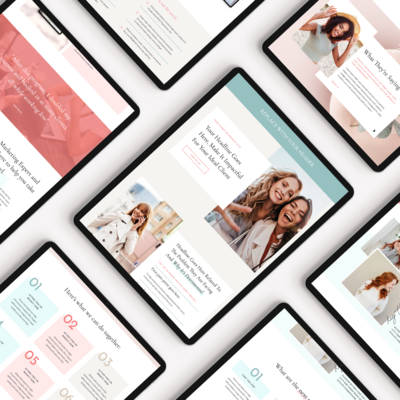
I love playing with elements like this in my designs. In fact, several of our newest coaching templates, like Katherine West and Caitlin Renee, have arched images! Have you noticed them?
If it’s time to find the perfect template for your coaching business, head over to the shop!